PLANJULI • DIGITAL STATIONERY MADE IN MILAN, ITALY
Beautiful digital planners and journals for everything that matters to you.
Thoughtfully designed digital planners, guided journals and paper-inspired tools for Goodnotes, Notability and your favourite PDF app.
Instant download · Hyperlinked PDFs · Works offline
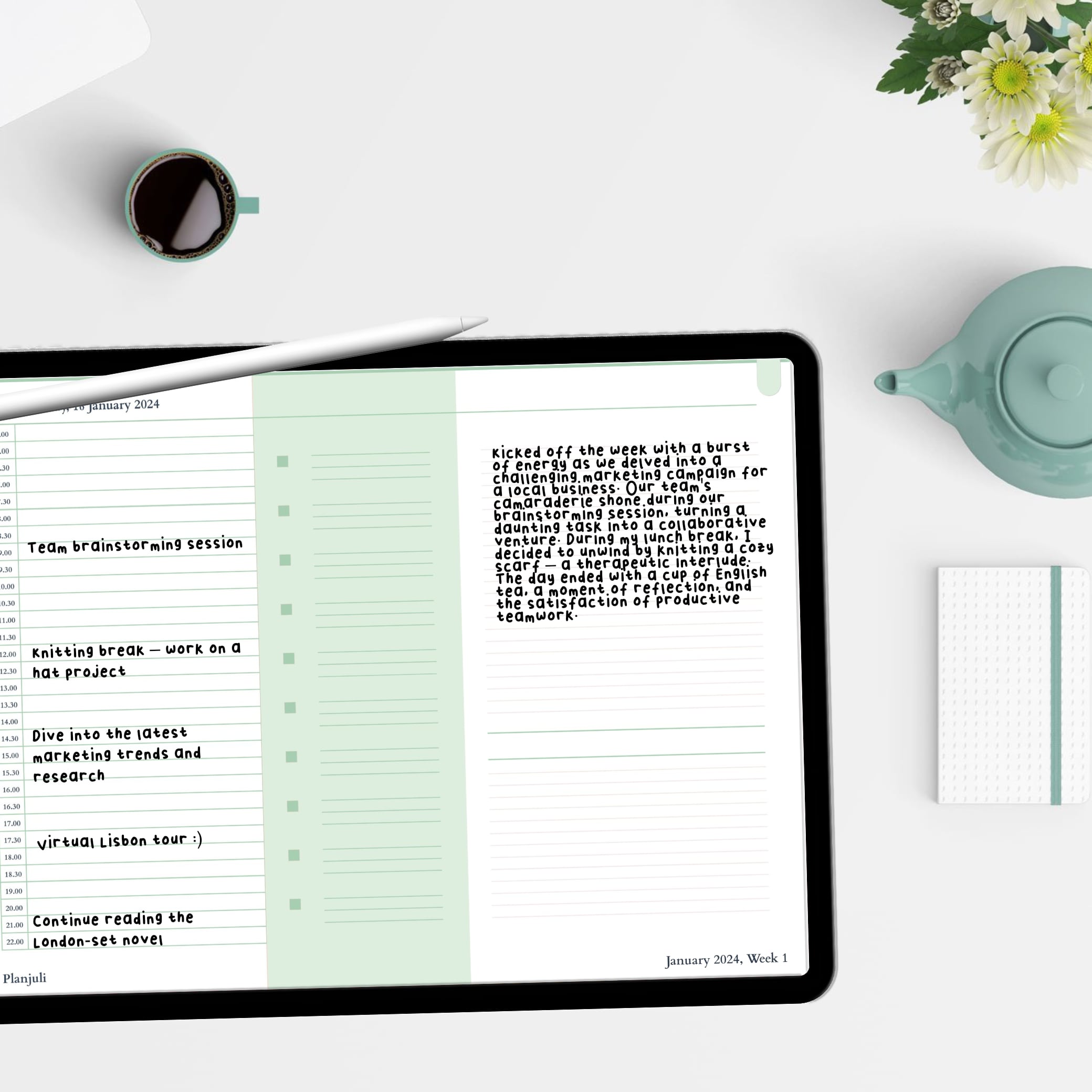
Write by hand
Apple Pencil friendly
Tap, don't hunt
Hyperlinked navigation
Use it anywhere
Works offline
Make it yours
Goodnotes, Notability + more
Start with what would make today feel better.
A new year, a clearer head, a reading ritual or simply a calmer Sunday. Choose the Planjuli that meets you where you are.
Plan your year
Your whole year, beautifully connected.
Explore the planner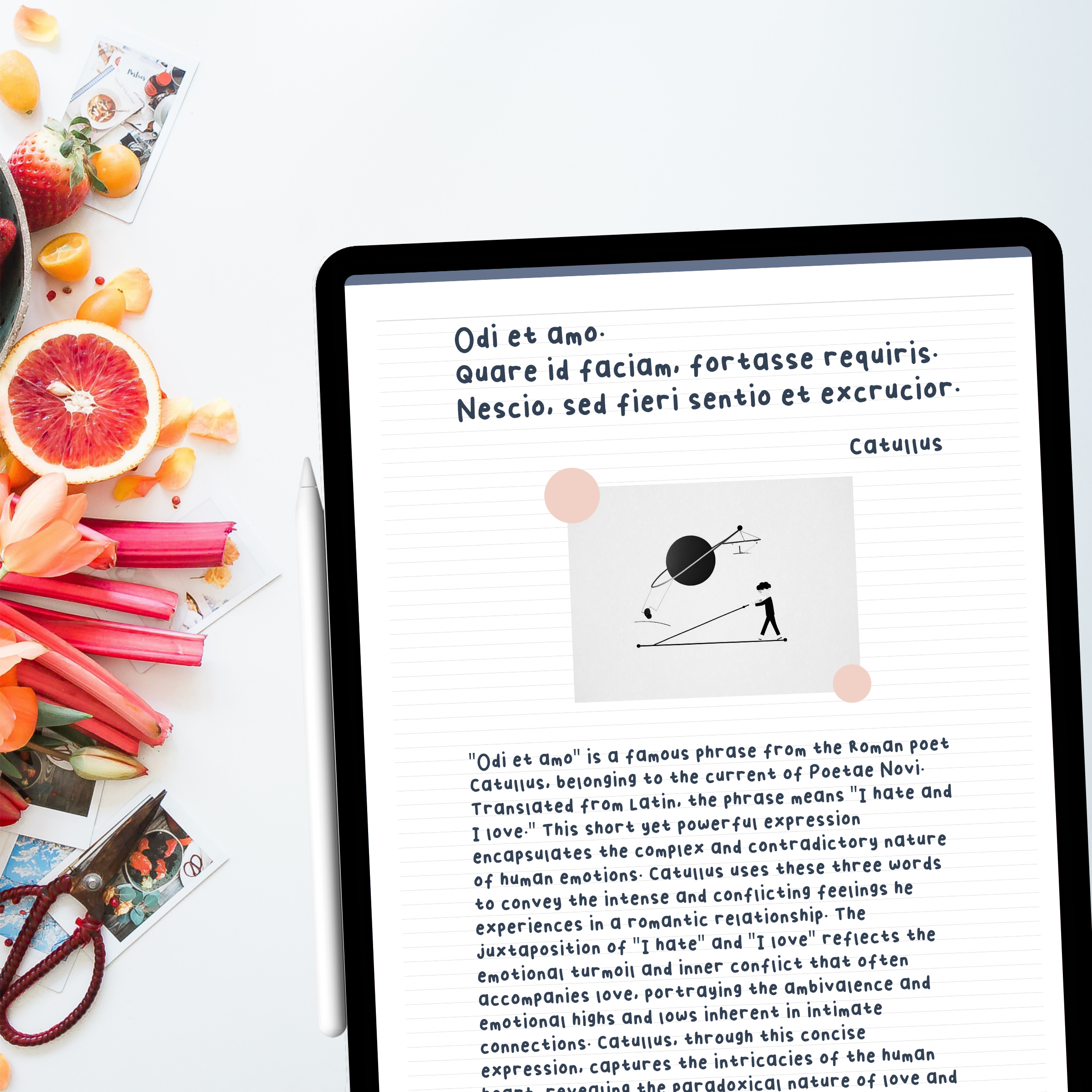
Reset
Clear the noise. Decide what deserves your attention.
Start fresh
Reflect
Prompts that help you hear your own thoughts more clearly.
Explore the journal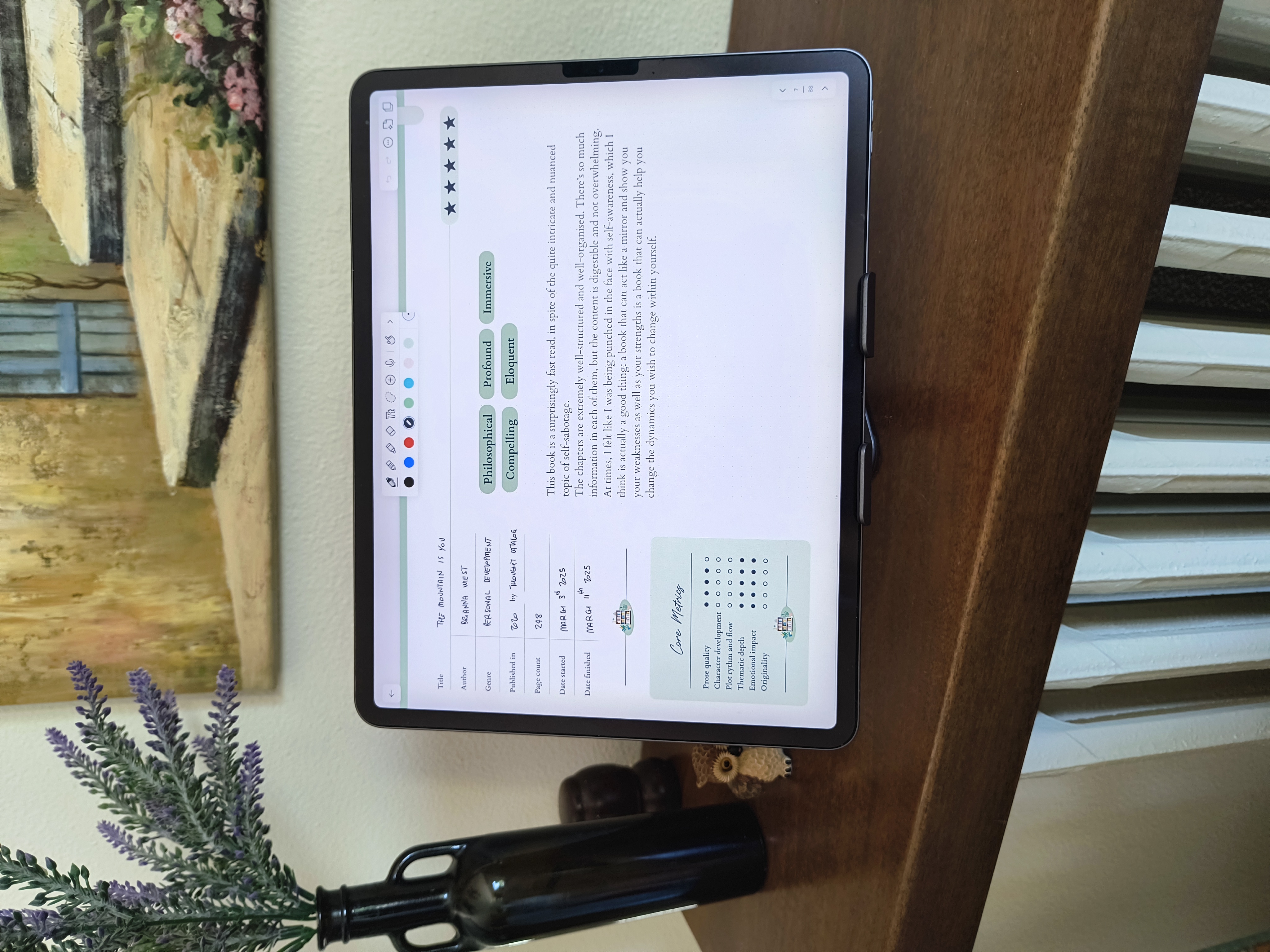
Celebrate what you love
Create a beautiful record of the things that light you up.
Explore journalsWhat do you need today?
Start with the feeling, not the format.
I want to feel organised
Planners, projects, weekly resets and practical tools.
I need a fresh start
Guided resets, goals and gentle structure.
I want to understand myself better
Reflection, self-development and decision journals.
I want to celebrate what I love
Reading, favourites, travel and personal collections.
I want something simple
One-page templates, trackers and small rituals.
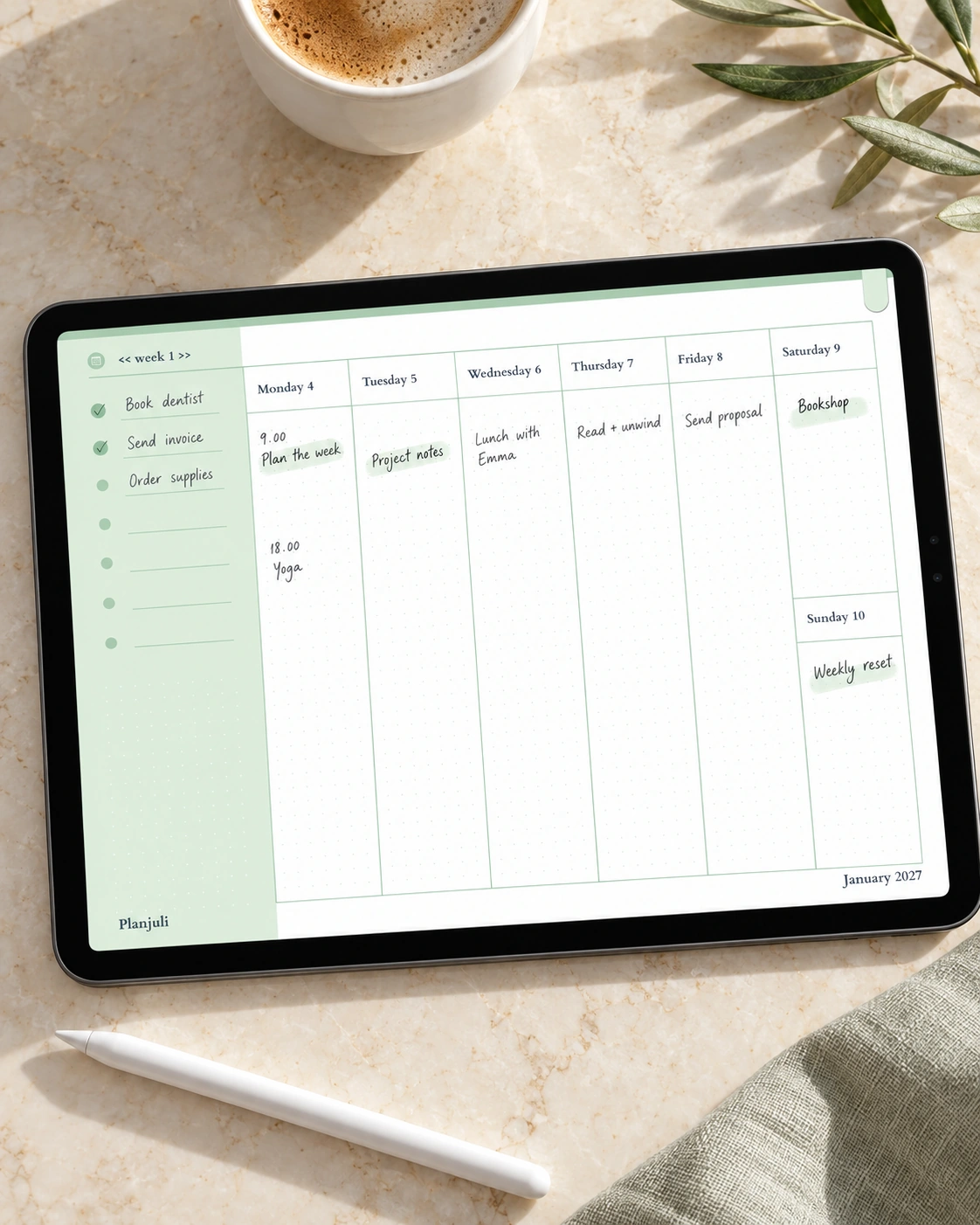
Meet the Planjuli 2027 Digital Planner
A complete year of calm, connected planning, with monthly, weekly and daily pages designed to feel natural from the first tap.
What's inside
- Full-year dated planning
- Monthly, weekly and daily views
- Hyperlinked navigation
- Goals and notes
- Reusable notebooks
- Four signature colourways
Works with: Goodnotes, Notability, Xodo, Squid (and most PDF note-taking apps)
Hyperlinked PDF • instant download • works offline
Journals for the life you're actually living.
Not blank pages waiting for inspiration. Thoughtful places to explore a question, follow a curiosity, record what matters and celebrate the things that make life yours.
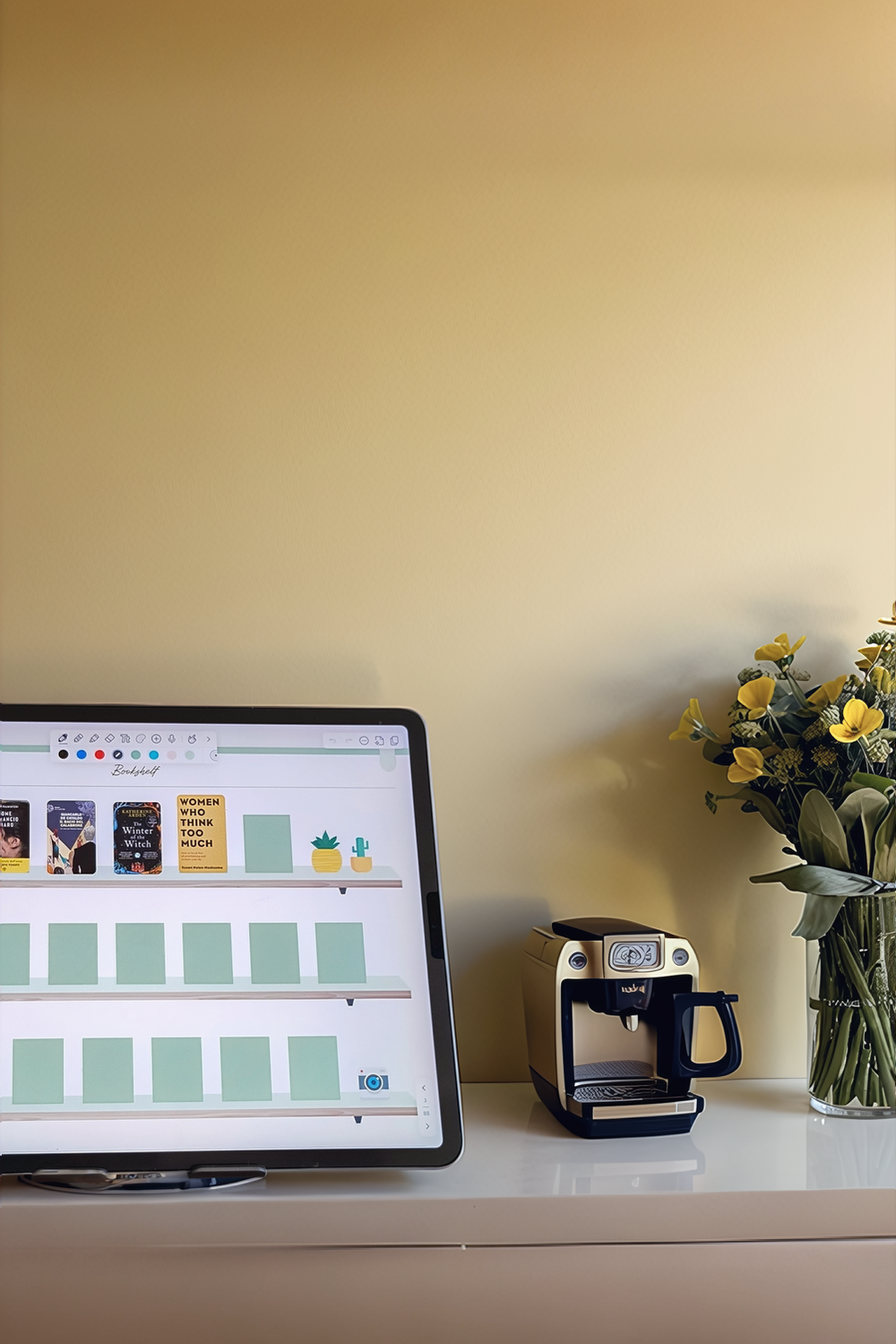
Build your Planjuli library.
Bring your planning, reflection and favourite rituals together in one beautifully coordinated collection.
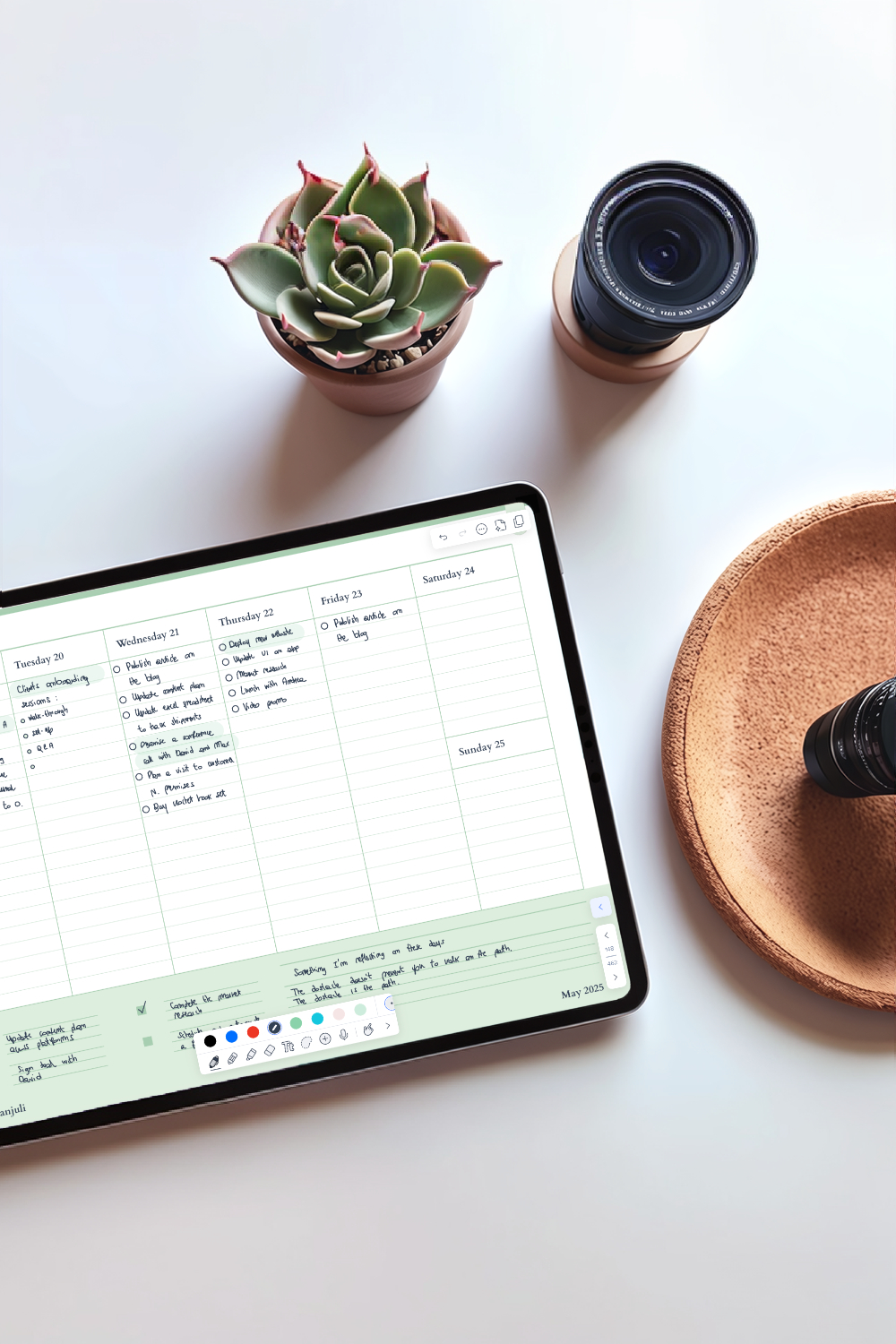
Digital, without feeling digital.
Write by hand
Use your Apple Pencil as naturally as you would a favourite pen.
Keep the ritual. Lose the clutter.
Your planners, journals and notebooks travel together without taking over a shelf.
Made to be used.
Calm layouts and thoughtful navigation keep the focus on your thoughts, not the interface.
Beautiful enough to come back to.
The best planning system is the one you still want to open next week.
Designed in Milan. Inspired by paper.
Planjuli brings the quiet pleasure of beautiful stationery into a digital format. Every layout is designed with generous space, restrained colour and a clear visual rhythm, so planning feels less like managing an app and more like opening a favourite notebook.
Thoughtful design, made to stay useful long after trends move on.
Discover Planjuli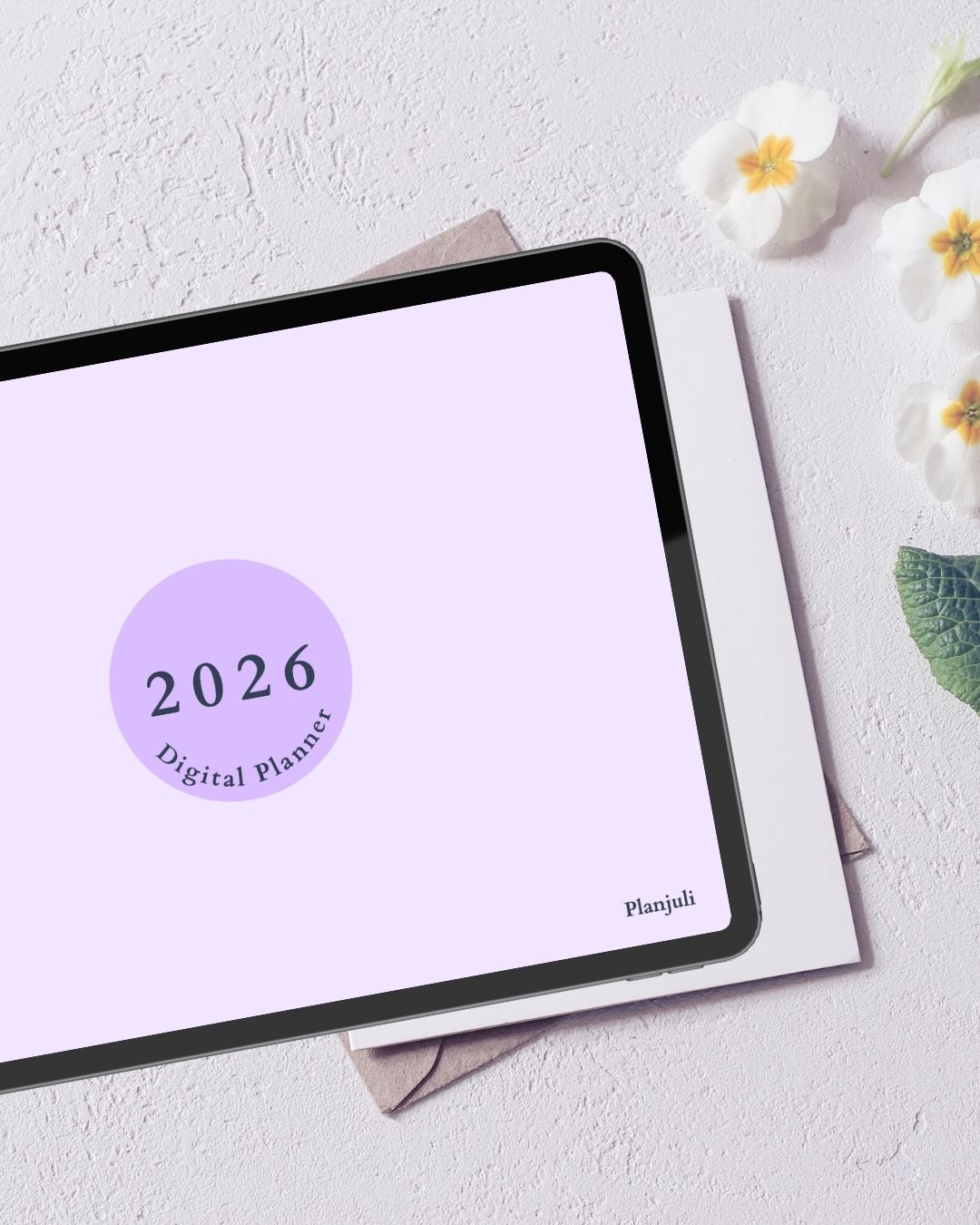
A gentle start
Try Planjuli free
Download a small collection of real Planjuli pages and see how the design feels in Goodnotes or Notability before you buy.
Thoughtful planning ideas, new releases and occasional gifts. No inbox clutter.

Getting started
From download to first page in minutes.
Four quiet steps from choosing your Planjuli to writing on the first page.
Choose your Planjuli
Download instantly
Open it in your favourite PDF note-taking app
Write, tap and make it yours
Loved in real life.
I absolutely love this product! It exceeded all my expectations and has become an essential part of my daily routine. The quality is outstanding.
Emily Johnson
Great planner. The attention to detail makes this company stand out from competitors. Would definitely recommend.
Michael Booth
Excellent customer support team! They helped me resolve my issue promptly and professionally. I'm thoroughly impressed with their dedication.
Sarah Miller
Good value for money. The product does what it claims and it's really easy on the eye, though there's room for improvement when it comes to trackers - I'd love more of them included. Overall, I am satisfied with my purchase.
David Wilson
This has transformed how I work! Intuitive design, easy to pick up features, and seamless integration within Goodnotes. A game-changer!
Jessica Macdonald
Very pleased with my purchase. The attention to detail is impressive and I love the aesthetic, it's so satisfying! I'll definitely be a returning customer.
Robin Davis
From the blog
Ideas for a more intentional digital life
Guides and reflections from the Planjuli Blog.
Digital Planners for Goodnotes: A Beginner's Guide
Have you ever felt compelled to try the magic of digital planning in Goodnotes but felt slightly overwhelmed as a beginner? With this easy …
Read the article
Digital Planning Tips for Newbies: Essential Strategies to Get Started With Confidence
If you think digital planning is complicated, think again. It's actually one of the easiest (and dare we say it, most affordable) thing you …
Read the article
Habit Stacking: Crafting Effortless Routines for a Successful Life
Ever struggled to make a new habit stick? Habit stacking could be the gentle nudge you need. By linking new, positive behaviours to routines …
Read the article
Good to know
Frequently asked questions
Clear answers before you download.
Do I need internet to use it?
No. These are digital files that you download, and once they are on your device, you can plan offline.
Is this only for "pro" Goodnotes users?
Not at all. If you can import a PDF and write on it, you're ready.
Which apps does it work with?
It works with Goodnotes, Notability, Xodo, Squid and most PDF note-taking and annotation apps.
How do I receive my purchase?
You'll get an email with a download link right after checkout.
Do you offer refunds?
Because these are non-returnable digital products, refunds are not available. If anything is not working as expected, email us and we will help you resolve it.
Does this work on iPad mini?
Yes. Our planners are PDFs that work on any iPad, including iPad mini, as well as Android tablets. Open them in Goodnotes, Notability or any PDF note-taking app.
Are Planjuli digital planners dated or undated?
Our digital daily planners are dated and every year we publish a new edition.
What app do you recommend for beginners?
We recommend Goodnotes or Notability. Both are easy to learn, work well with Apple Pencil and support hyperlinked PDFs. No advanced skills are required.
Make a little more room for what matters.
Choose a Planjuli for the part of life you want to organise, explore or celebrate next.